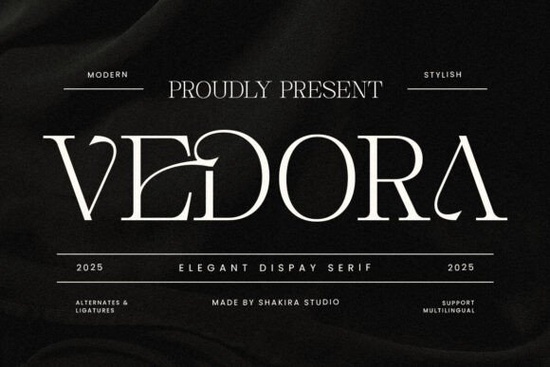
When you need a typeface that balances modern clarity with classic refinement, Vedora Font delivers exactly that. Designed as a luxury serif with clean strokes and carefully balanced proportions, it works well for branding, editorial layouts, and high-end packaging. Whether you are a graphic designer building a client identity, a print-on-demand seller creating premium merch, or a hobbyist crafting wedding invitations, this typeface gives your text a polished, professional finish without feeling overly ornate.
What makes this typeface suitable for luxury branding?
Luxury design relies on restraint, and Vedora follows that principle. The letterforms feature sharp serifs, smooth curves, and consistent weight distribution, which keeps headlines readable while adding a quiet sophistication. Small businesses and boutique brands often choose serifs like this because they communicate trust and heritage without looking dated. The contrast between thick and thin strokes is moderate, so it prints cleanly on textured paper, cotton labels, and matte packaging. If you regularly browse through serif typefaces for branding projects, you will notice how the balanced spacing reduces the need for manual kerning adjustments.
Which projects get the most value from this style?
This font shines in applications where typography carries the visual weight. Here are a few practical uses that work well:
- Brand identities: Logos, wordmarks, and business cards that need a refined, timeless look.
- Editorial design: Magazine covers, book titles, and pull quotes that require strong hierarchy.
- Packaging and labels: Cosmetic jars, candle boxes, and artisan food labels where legibility meets elegance.
- Print-on-demand products: Premium tote bags, ceramic mugs, and wall art that target a higher price point.
- Event stationery: Wedding invitations, menus, and place cards that benefit from classic serif styling.
Crafters and small shop owners will appreciate how the clean lines translate well to vinyl cutting, laser engraving, and screen printing. The straightforward structure means fewer broken paths when you convert text to outlines for production.
How do I pair it with other fonts?
A luxury serif works best when it has room to breathe. Pair it with a simple sans serif for body copy, subheadings, or web text. Clean geometric or humanist sans fonts create a pleasant contrast without competing for attention. Keep the serif for headlines, logos, and short statements, then let the supporting typeface handle longer paragraphs. When setting up your layout, stick to two typefaces maximum. Too many competing styles will dilute the refined feel you are trying to achieve. Adjust line height slightly tighter for display sizes, and increase tracking by five to ten percent for all-caps logos to improve readability.
What technical details should I know before downloading?
Most modern font packages include the standard file types you need for both digital and print work. You will typically find OTF and TTF formats for desktop installation, along with web-ready files if the license covers online use. Installation is straightforward: extract the zip folder, double-click the font file, and select install. Once added to your system, it will appear in design software like Illustrator, Photoshop, Canva, and Cricut Design Space. Always check the licensing terms before using the typeface on commercial products, especially if you plan to sell physical goods or digital templates. Some licenses require an extended commercial upgrade for print-on-demand marketplaces or large-scale distribution.
Is it worth adding to my design toolkit?
If your work regularly touches branding, packaging, or premium merchandise, a well-crafted serif saves time and improves consistency. Vedora Font offers a reliable foundation for projects that need to look expensive without relying on heavy embellishments. The measured contrast and clean terminals make it adaptable across different mediums, from social media graphics to foil-stamped business cards. Designers who prefer straightforward, production-ready typefaces will find it fits smoothly into existing workflows. Hobbyists and small business owners can use it to give everyday materials a more polished, cohesive appearance.
Before you start your next layout, run through this quick checklist to get the best results:
- Install both OTF and TTF files to ensure compatibility across your design apps.
- Test headlines at multiple sizes to confirm readability on screen and in print.
- Pair with a neutral sans serif and limit your palette to two typefaces.
- Increase letter spacing slightly for all-caps treatments and short logos.
- Verify the commercial license matches your intended use, especially for POD or client work.
Download the font, set up a quick mockup, and see how the clean serif structure improves your hierarchy. A few careful adjustments to spacing and pairing will give your project a finished, professional look.
Get Started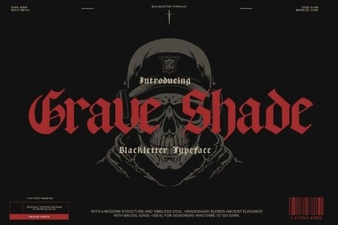 Grave Shade Font: Styling Your Typographic Darkness
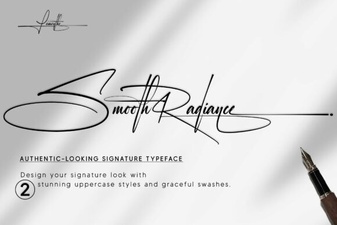 Smooth Radiance Font: a Designer's Typography Toolkit
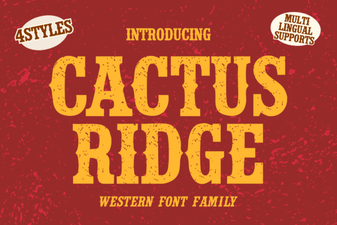 Cactus Ridge Font Design Ideas & Projects
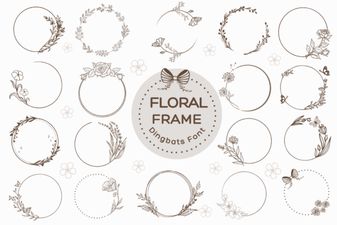 Beautiful Floral Fonts for Design Projects
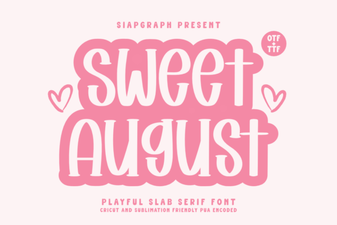 Sweet August Font for Inspiring Design Projects
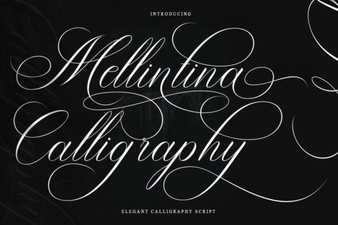 Melintina Calligraphy Font: Design Ideas & Uses