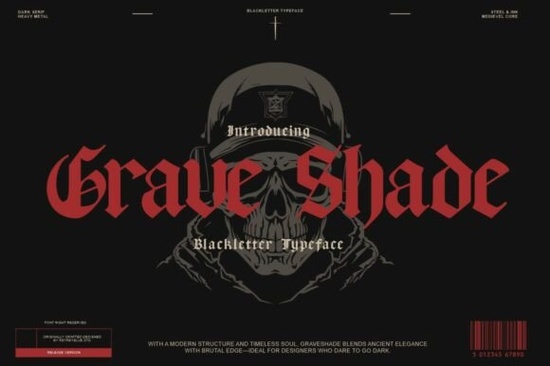
If you need a typeface that delivers heavy gothic presence without looking cluttered, Grave Shade Font is built for exactly that. It blends traditional blackletter structure with clean, modern spacing, which means you get that dark, medieval vibe while keeping your text readable on screens and print. Designers, print-on-demand sellers, and crafters often struggle with ornate gothic fonts that break down at smaller sizes. This one solves that problem by using sharp serifs and balanced proportions that hold up across posters, apparel graphics, and branding materials.
What makes this blackletter typeface stand out?
Most decorative gothic fonts lean too far into historical calligraphy, making them difficult to use in everyday design work. Grave Shade takes a different approach. The letterforms keep the dramatic vertical stress and angular cuts you expect from old-world scripts, but the spacing is tightened and the counters are opened just enough to maintain clarity. You will notice the razor-sharp serifs and heavy strokes immediately, yet the overall texture stays consistent when you set headlines or short phrases. If you have tried other dark serif styles and found them too uneven, you might want to compare this with options like the ducky black style to see how different blackletter weights handle contrast and readability.
Where does it work best in real projects?
This typeface is not meant for body copy. It shines when you need a strong visual anchor. Think horror event flyers, metal band merch, tattoo studio branding, or vintage occult packaging. Print-on-demand sellers use it for limited-run t-shirt graphics and sticker sheets because the thick strokes translate well to screen printing and direct-to-garment methods. Small businesses that lean into alternative aesthetics also find it useful for logo marks, shop banners, and social media headers. When you are setting up a design file, keep the text short. One to five words usually gives you the best impact without crowding the layout.
How do you pair it without overwhelming your layout?
Heavy blackletter fonts demand breathing room. The easiest way to balance Grave Shade is to pair it with a simple sans serif or a light geometric typeface for supporting text. Let the gothic font handle the headline while the secondary font carries details like dates, locations, or product descriptions. You can also experiment with tracking. Adding a small amount of letter spacing often softens the aggressive edges and makes the design feel more intentional. If you are building a full brand kit, test how the font interacts with your color palette. Dark backgrounds with muted gold, off-white, or deep red usually complement the medieval structure without creating visual noise. For more gothic pairing ideas, you can browse how designers structure layouts around the grave shade collection and similar dark serif families.
What should you know before downloading?
Before you add any decorative font to your workflow, check the file formats and licensing terms. You will typically receive OTF and TTF files, which install smoothly on both Windows and Mac systems. Most design software, including Adobe Illustrator, Photoshop, Canva, and Cricut Design Space, supports these formats without extra plugins. Make sure you review the commercial license if you plan to sell physical products or digital templates. Some marketplaces restrict the number of end products or require an extended license for large print runs. You can find the full licensing details and preview the complete character set when you view Grave Shade Font on the platform.
Working with bold gothic type does not have to be complicated. Keep your layouts clean, test print samples before scaling production, and let the font do the heavy lifting without adding unnecessary decorative elements. When used with intention, this style gives your projects a timeless, alternative edge that stands out in crowded marketplaces.
Quick setup checklist before you start designing:
- Install the OTF or TTF files and restart your design software
- Test headline sizes between 48pt and 120pt for optimal stroke clarity
- Pair with a lightweight sans serif for dates, prices, or descriptions
- Export a high-contrast mockup to check how the serifs render on fabric or paper
- Verify your commercial license matches your intended sales volume
Run through these steps, and your next gothic or horror-themed project will look polished from the first draft.
Get Started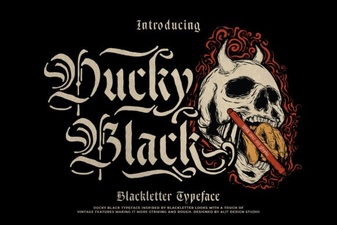 The Ducky Black Font for Modern Digital Design
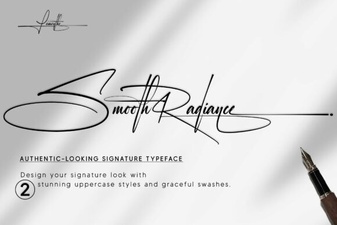 Smooth Radiance Font: a Designer's Typography Toolkit
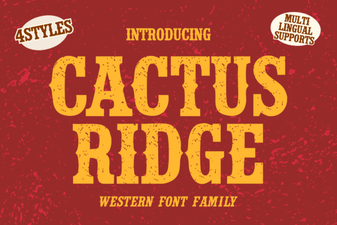 Cactus Ridge Font Design Ideas & Projects
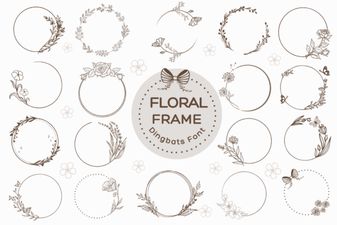 Beautiful Floral Fonts for Design Projects
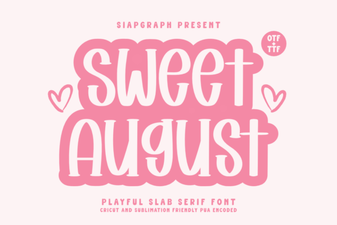 Sweet August Font for Inspiring Design Projects
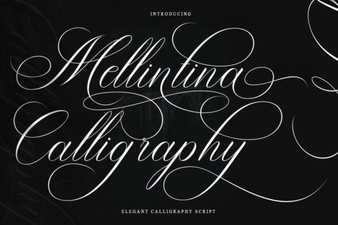 Melintina Calligraphy Font: Design Ideas & Uses