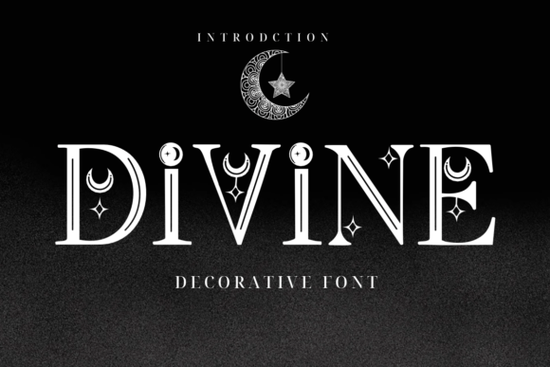
If you are looking for a typeface that brings a quiet, mystical feel to your layouts, Divine Font delivers exactly that. It combines a classic serif structure with subtle moon and star details built right into the letterforms. Designers, crafters, and small shop owners often choose this style when they need something elegant and slightly magical without overwhelming the rest of the design.
What makes this celestial serif different from standard decorative typefaces?
Most decorative fonts lean heavily into complex scripts or heavy illustrations. This one takes a quieter approach. The base characters follow a traditional serif rhythm, which keeps your text readable even at smaller sizes. The celestial accents are carefully placed inside the counters and along the serifs, so they catch the eye without breaking the word flow. That balance matters when you are designing tarot cards, spiritual branding packages, or fantasy book covers where clarity and mood need to work together.
The built-in embellishments also save time. Instead of hunting for separate star vectors and manually placing them around your headings, the details are already part of the font file. You simply type, adjust your tracking, and let the characters do the decorative work. If you enjoy browsing other thematic typefaces, you might also want to look through our collection of decorative serif styles to see how different designers approach ornamental lettering.
How can print-on-demand sellers and crafters use it effectively?
Print-on-demand shops and handmade brands thrive on niche aesthetics. A mystical serif fits naturally into several profitable categories:
- Apparel and tote bags: Short phrases look striking on dark fabrics. The star details pop nicely on charcoal or deep purple shirts.
- Stickers and planner inserts: Use the font for monthly headers or affirmation cards. The readable base keeps planning pages clean while the accents add whimsy.
- Book covers and journals: Fantasy titles and poetry collections benefit from type that hints at the theme before the reader opens the page.
When testing layouts, keep your copy short. Decorative serifs work best for titles and featured words. For longer paragraphs, switch to a clean sans-serif to maintain reading comfort. If you ever need a completely different vibe for a kids product line, exploring something like a themed display font for children can help you keep your shop catalog fresh.
Which software settings and file types matter most?
Before you add any decorative font to your workflow, check that your design program supports OpenType features. A few quick adjustments make a noticeable difference:
- Install both OTF and TTF files if included. OTF usually carries better kerning pairs.
- Turn on optical alignment in your text panel. Celestial accents can shift visual weight, and automatic kerning keeps spacing even.
- Test at multiple sizes before finalizing a mockup. Print a physical proof since fine details can thin out on certain printers.
- Outline text for vector exports when sending files to professional print shops to prevent missing font errors.
Some designers also like to pair celestial themes with softer glowing effects. If you are experimenting with light-based aesthetics, you might find it helpful to compare how different moon-inspired letterforms render on screen by checking out a luminescent display style for contrast.
What should you verify before using it in commercial projects?
Licensing is the part most creators rush through, and it causes the most headaches later. Decorative fonts often come with specific rules about print runs and digital products. Take a few minutes to review the included license file. Look for clear notes on whether commercial use covers physical goods or digital downloads, limitations on trademarking logos, and permissions for embedding the typeface in editable templates. Keeping a simple license tracker in your project folder saves time when clients ask for proof of usage rights.
Quick checklist before you start designing
Run through these steps to keep your workflow smooth and your files print-ready:
- Install the font files and restart your design software to avoid caching glitches.
- Type out your full headline and check for uneven spacing around the star accents.
- Pair the decorative serif with a neutral body font to keep long text readable.
- Export a test print to verify that fine details hold up on your chosen material.
- Save a copy of the license agreement in your project assets folder.
Start with a single mockup, test it on your intended medium, and adjust your tracking until the celestial details sit comfortably within the layout. Once the spacing feels right, you can confidently roll the typeface out across your branding, product listings, or creative client work.
Try It Free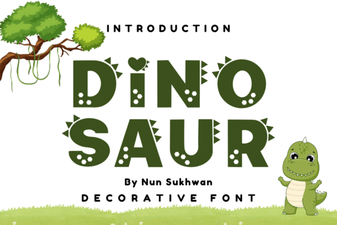 Unleash Creative Projects with Dinosaur Font Font
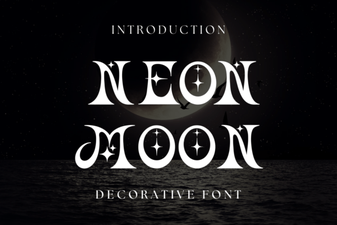 Illuminate Projects with Neon Moon Font
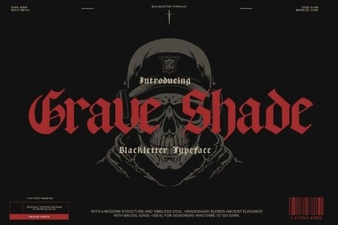 Grave Shade Font: Styling Your Typographic Darkness
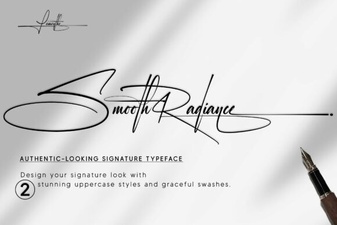 Smooth Radiance Font: a Designer's Typography Toolkit
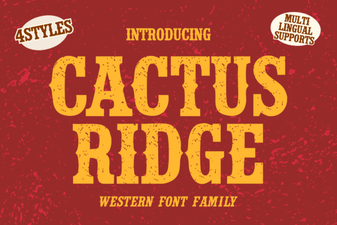 Cactus Ridge Font Design Ideas & Projects
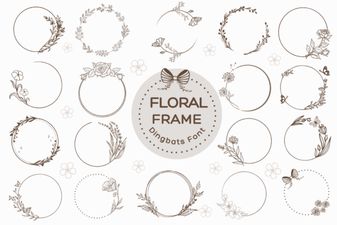 Beautiful Floral Fonts for Design Projects