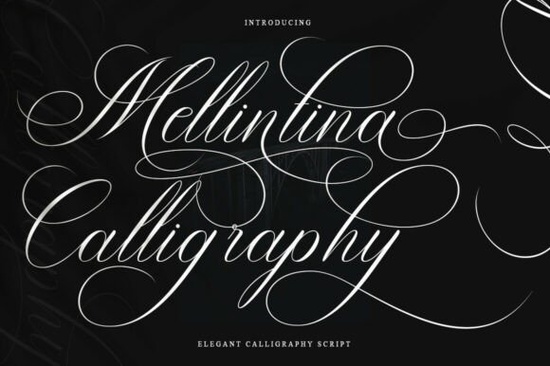
If you need a script that feels handwritten but stays perfectly legible at small sizes, Melintina Calligraphy Font is worth a closer look. It blends traditional copperplate strokes with cleaner, modern curves, which means you get that elegant, feminine vibe without sacrificing readability. Designers, print-on-demand sellers, and small business owners often struggle to find a calligraphy typeface that works across both digital mockups and physical prints. This one bridges that gap by offering consistent character spacing and thoughtful alternates that keep your layouts looking polished.
What makes this calligraphy style different from standard scripts?
Most decorative scripts lean too heavily into swirls or exaggerated tails, which quickly become hard to read on packaging or wedding invitations. Melintina takes a more restrained approach. The letter connections flow naturally, and the character variations give you enough flexibility to avoid that repetitive, computer-generated look. You will notice how the uppercase letters carry just enough flourish to draw attention, while the lowercase set maintains a steady rhythm. If you have tried working with softer handwritten styles in the past, you will appreciate how this design keeps the elegance but tightens the spacing for cleaner alignment on busy backgrounds.
Which projects actually benefit from a feminine, readable script?
Not every design needs a bold sans-serif. Sometimes your audience expects a softer, more personal touch. This typeface fits naturally into projects where tone matters just as much as layout. Here are a few places where it consistently performs well:
- Wedding and event stationery – save-the-dates, seating charts, and menu cards
- Beauty and fashion branding – product labels, lipstick packaging, and lookbook headers
- Print-on-demand merchandise – tote bags, mugs, and greeting cards that rely on short phrases
- Editorial layouts – chapter titles, magazine pull quotes, and boutique restaurant menus
When you are designing for physical products, legibility on textured paper or curved surfaces becomes a real concern. The balanced stroke weight here holds up nicely during printing, and it pairs smoothly with playful handwriting alternatives when you want to mix casual and formal elements on the same page without creating visual conflict.
How do I pair it without making the design look cluttered?
Script fonts demand breathing room. The fastest way to ruin a beautiful calligraphy typeface is to surround it with other decorative elements. Stick to one script per layout and let a clean sans-serif or a simple serif handle the body text. You can test combinations like geometric sans options for captions and contact details, or try modern display typefaces when you need a stronger contrast for headlines. Keep your line height generous, avoid tracking the letters too tightly, and reserve the script for short phrases, names, or accent lines. If you are building a brand kit, limit the script to primary logos or signature elements, and let simpler fonts carry the heavy reading load. A quick baseline shift of +2 or -3 points can also help tricky letter connections sit more naturally.
What should I check before downloading and installing?
Before you add any font to your workflow, verify the file formats and licensing terms. Most modern design software handles OTF and TTF files without trouble, but if you plan to use the typeface in Cricut Design Space, Silhouette Studio, or web platforms, confirm that the package includes the correct versions. Check whether the license covers commercial use, especially if you are selling physical goods or digital templates. Some creators also include bonus glyphs, swashes, or multilingual support, which can save you time when working with international clients. You can explore how other script collections handle licensing and file organization to get a clearer picture of what to expect. For direct access and current pricing, you can view Melintina Calligraphy Font on the marketplace.
Ready to test it in your next project? Run through this quick setup checklist before you start designing:
- Install both OTF and TTF versions, then restart your design software
- Open the glyph panel to locate alternate characters and decorative swashes
- Set tracking to zero or slightly positive to preserve natural connections
- Pair with a neutral sans-serif for body copy and contact information
- Export a test print at actual size to check stroke clarity on your chosen paper
Take ten minutes to type out your most common phrases, adjust the spacing, and save a reusable template. Once the foundation is set, you can drop the font into invitations, labels, or social graphics without starting from scratch each time.
Try It Free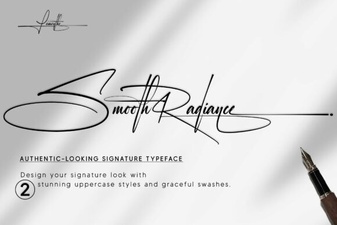 Smooth Radiance Font: a Designer's Typography Toolkit
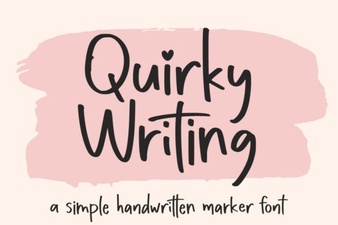 Unlock Creativity with Unique Handwriting Fonts
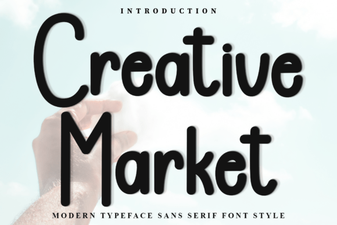 Discover Fonts for Creative Design Projects
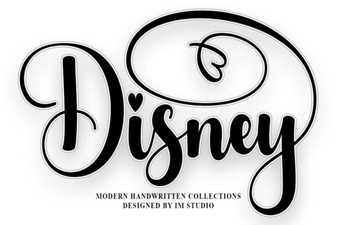 Explore Disney Fonts for Your Creative Projects
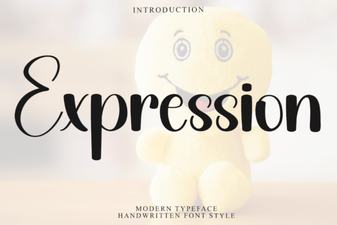 Express Your Message with Creative Fonts
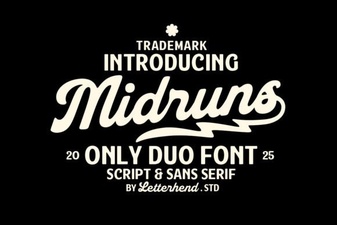 Midruns Font: Creative Typography for Your Projects