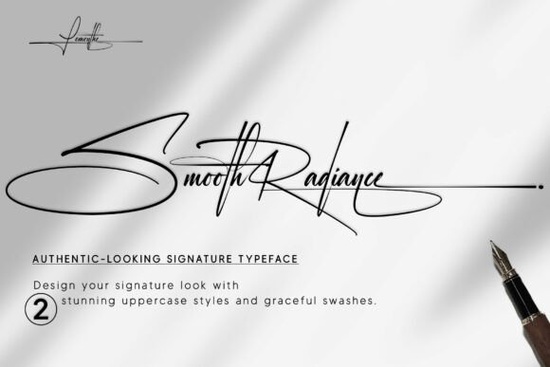
If you need a clean, handwritten typeface that feels personal without looking messy, Smooth Radiance Font delivers exactly that. This signature-style script keeps its strokes balanced and readable, which makes it a reliable choice for logo marks, wedding stationery, product packaging, and print-on-demand listings. Instead of forcing a decorative look, it gives you a natural flow that works well across both digital mockups and physical prints.
What makes this signature style work for branding?
A good script font should feel handwritten but still hold up at small sizes. Smooth Radiance achieves this by keeping the letterforms open and the baseline steady. When you are designing a boutique logo or a small business watermark, you want characters that connect smoothly without creating visual clutter. The consistent stroke weight helps maintain clarity on business cards, thank-you tags, and social media graphics. Designers who prefer a softer alternative to bold display scripts often pair it with simple sans-serif bodies. You can see how this approach compares when you browse through a curated collection of handwritten typefaces for commercial projects to find the right match for your brand voice.
How do the alternate characters improve your layout?
The real advantage of this font lies in its built-in flexibility. You get two uppercase variations plus several stylistic alternates and character sets. That means you can swap out repeating letters, adjust the flow of a wordmark, or create a more relaxed signature block without leaving your design software. Here is how those extras help in daily workflows:
- Uppercase options: Choose a taller capital for formal invitations or a rounded version for casual product labels.
- Stylistic alternates: Replace standard connectors with softer tails or sharper flicks to match your layout rhythm.
- Contextual sets: Keep spacing consistent when typing longer phrases or multi-line quotes.
When you need a slightly different mood for a seasonal campaign, these built-in swaps save you from hunting down a second script. Some creators also test similar flexible families like the playful panda script collection when they want a bouncier baseline for kids’ products or sticker sheets.
Where does a handwritten font fit best in your projects?
Signature scripts shine when they carry a personal touch. Wedding invitations, anniversary prints, and boutique packaging all benefit from that handcrafted feel. For print-on-demand sellers, adding a clean script to mug templates, tote bags, or wall art can make a standard mockup look custom-made. Small business owners often use it for email signatures, price tags, and care cards because it reads as approachable yet professional. If your current lineup relies heavily on geometric sans-serifs, introducing a fluid script creates visual contrast without overwhelming the page. When you want a sweeter, more romantic vibe for bridal suites, you might also look at how the hello honey script family handles delicate ligatures for formal layouts.
What should you check before adding it to your toolkit?
Before you install any new typeface, run a quick compatibility check. Make sure the file format matches your software, verify the licensing covers your intended use, and test a few sample words at different sizes. Smooth Radiance works best when you give it breathing room. Tight tracking can flatten the natural curves, while generous line height lets the alternates shine. If you plan to cut vinyl or create laser-engraved items, convert your text to outlines first and inspect the node count. Complex scripts sometimes need minor path cleanup for cutting machines. For faster workflow comparisons, some designers cross-reference the midruns handwriting series to see how different baseline styles affect production time. You can also preview Smooth Radiance Font directly on the marketplace to check the full character map and license details. When you need a clean, modern pairing for body text, the quicksand geometric collection often provides a balanced contrast that keeps your layout readable.
Quick setup checklist before you export:
- Test both uppercase sets to see which fits your brand tone.
- Turn on stylistic alternates in your font menu and swap repeating letters.
- Set line height to at least 1.4x for multi-line phrases.
- Convert to outlines and simplify paths if cutting vinyl or wood.
- Confirm the commercial license covers your sales channel.
Save a styled text preset in your design software so you can reuse the spacing and alternate settings across future projects.
Download Now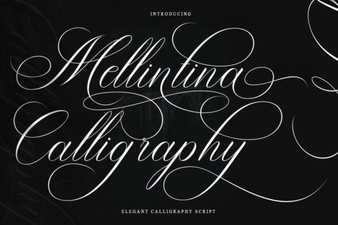 Melintina Calligraphy Font: Design Ideas & Uses
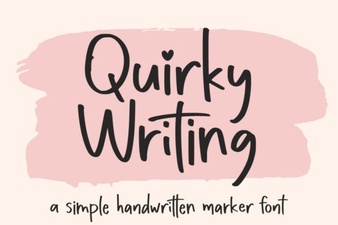 Unlock Creativity with Unique Handwriting Fonts
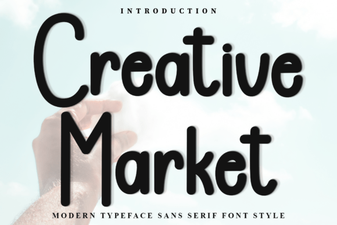 Discover Fonts for Creative Design Projects
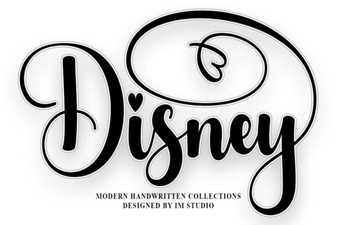 Explore Disney Fonts for Your Creative Projects
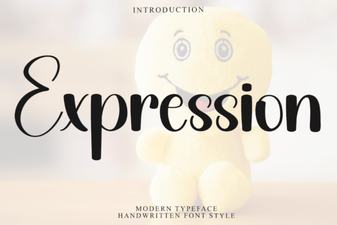 Express Your Message with Creative Fonts
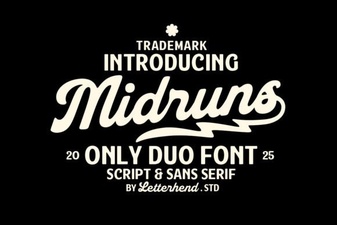 Midruns Font: Creative Typography for Your Projects