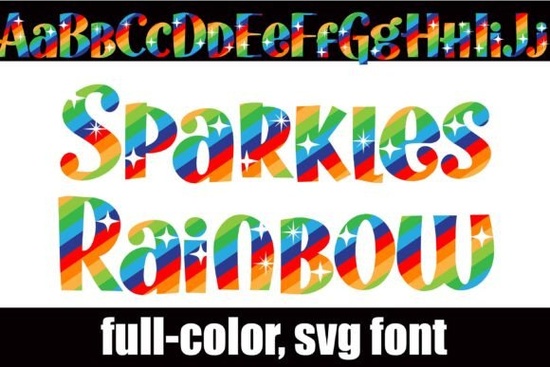
If you need a typeface that prints in full color without manual layering, Sparkles Rainbow Font handles the heavy lifting for you. It is an OpenType SVG font that bakes a vibrant rainbow stripe directly into each letter. Instead of stacking multiple files or coloring vectors by hand, you simply type and the colors appear on your canvas. The design also includes a hidden alternate set with a reversed rainbow order, accessible through your system’s character map or Silhouette Studio’s glyph panel.
How do full-color SVG fonts actually work?
Standard desktop fonts only store shape outlines. An SVG color font embeds vector graphics and color data inside the glyph itself. You install it exactly like a regular .otf file. On Mac, double-click and press Install in Font Book. On Windows, right-click and choose Install. One detail that catches crafters off guard is the preview window. Most font selectors show letters in solid black, even in compatible programs. Ignore that thumbnail. Once you click into your document and start typing, the rainbow stripes render correctly. The black preview is just an operating system cache limit, not a broken file.
Which software displays the colors correctly?
Not every application reads SVG color data yet. Modern tools like Adobe Illustrator, Photoshop, InDesign, Silhouette Studio, QuarkXPress, and Inkscape support full-color OpenType fonts. Switch to one of these, and your text shows the intended gradient. If you use older design tools or basic word processors, the font falls back to a solid black outline. For those workflows, type your text in a compatible program, export it as a PNG or SVG, and place that image into your final layout. This is a standard workaround for print-on-demand sellers uploading flat artwork.
What projects work best with this style?
The whimsical stripe pattern and bright colorway fit lighthearted designs. Because SVG fonts are vector-based, you can scale letters from a small sticker to a large banner without pixelation. Creators use this style for birthday banners, kids’ apparel, nursery art, social media quotes, and printable sticker sheets where you want color printed directly instead of weeding multiple vinyl layers. If you enjoy testing different rainbow styles, you might also want to read our notes on how rainbow typefaces handle color transitions or compare it with other playful lettering options that use dimension and dot patterns.
How do I access the reverse rainbow alternates?
The font includes a second glyph set where the gradient runs in the opposite direction. On Windows, open Character Map and copy the alternates. On Mac, use the Character Viewer from the Edit menu. In Silhouette Studio, open the Glyphs panel and click the alternate characters directly onto your canvas. This works well when you want two words to feature contrasting rainbow flows. For creators who want to verify licensing details or check for updates, you can search for Sparkles Rainbow Font on the official marketplace.
Quick setup checklist before you design
- Install the .otf file and restart your software so glyphs load properly.
- Type a test line to confirm colors appear, ignoring the black menu preview.
- Verify SVG font support; if missing, export text as a PNG/SVG from a compatible app first.
- Open your character map or glyph panel to grab reverse alternates when needed.
- Review the commercial license before selling physical products or digital templates.
Once those steps are complete, adjust your letter spacing, align your text, and export at any size. The vector color data stays sharp, making it easy to move from screen to print without extra formatting work.
Explore Design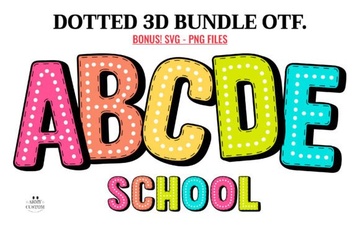 Creating a Dotted 3d Rainbow Font
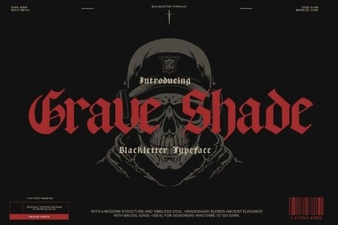 Grave Shade Font: Styling Your Typographic Darkness
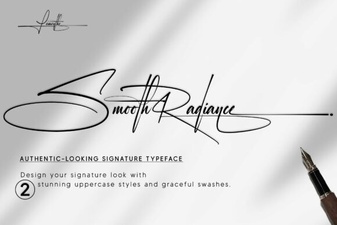 Smooth Radiance Font: a Designer's Typography Toolkit
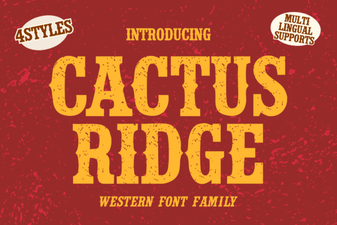 Cactus Ridge Font Design Ideas & Projects
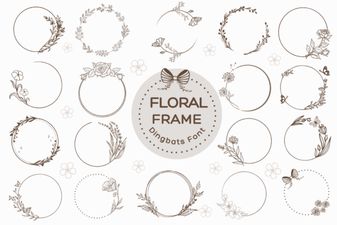 Beautiful Floral Fonts for Design Projects
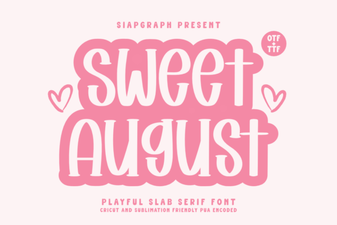 Sweet August Font for Inspiring Design Projects